
Step #1
Create a new network profile and name it iDNS Portal
Open network settings
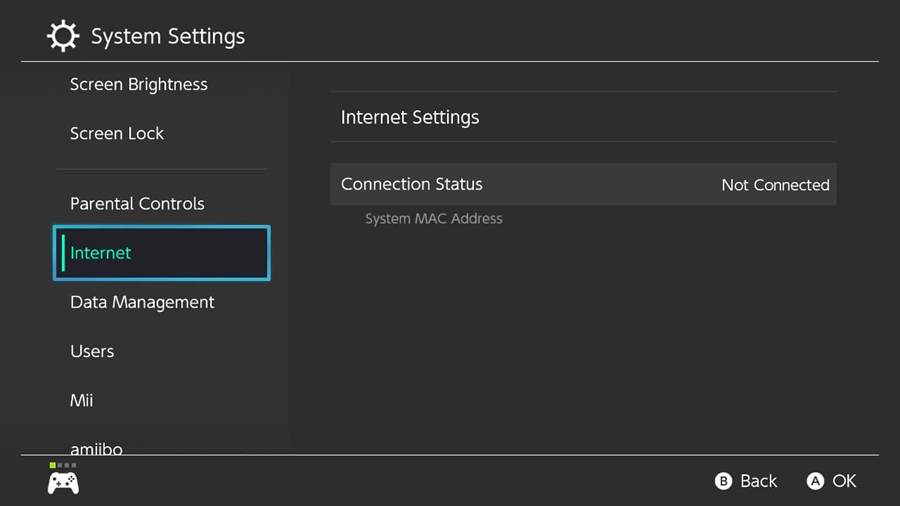
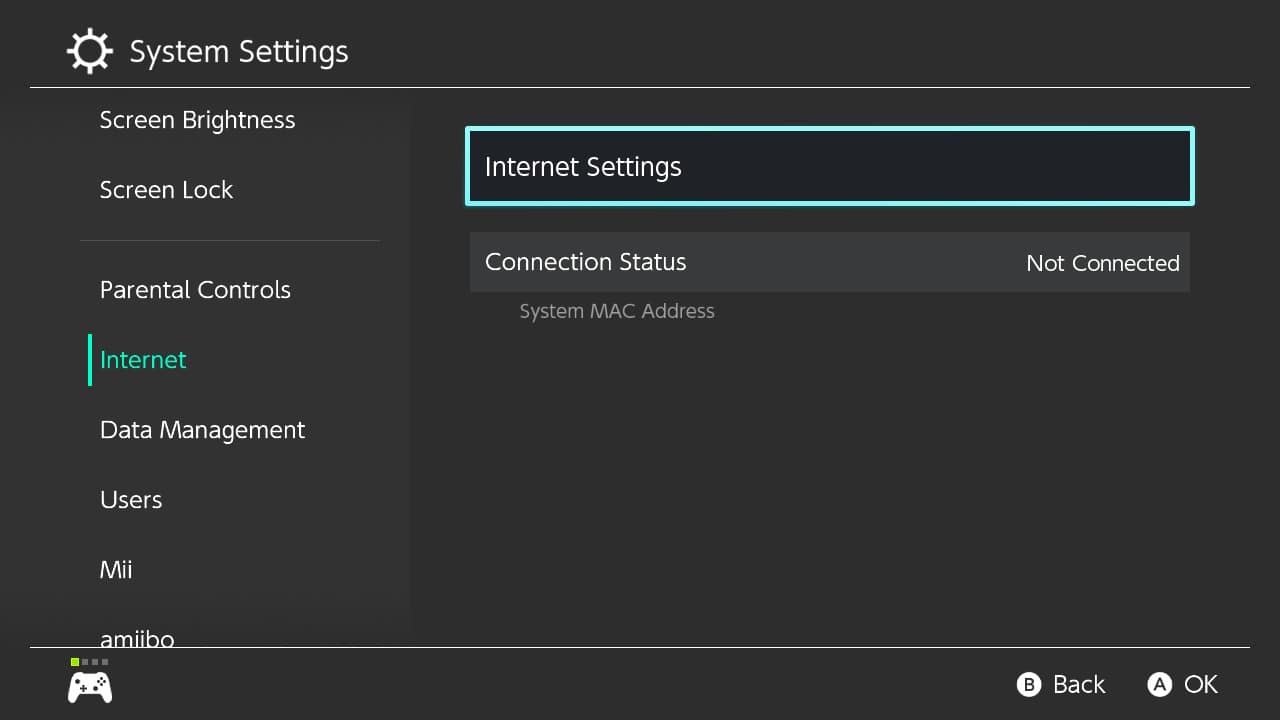
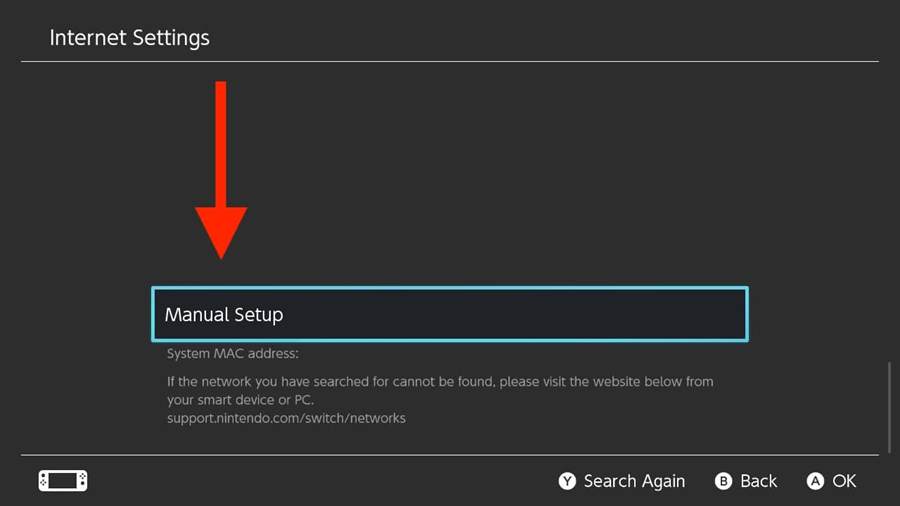
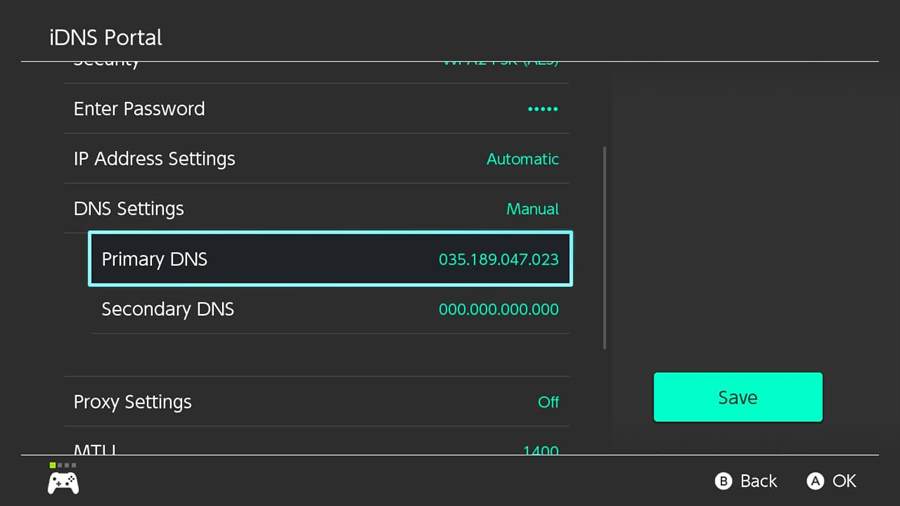
Enter iDNS Portal as Network Name, and your local Wi-Fi network name as SSID
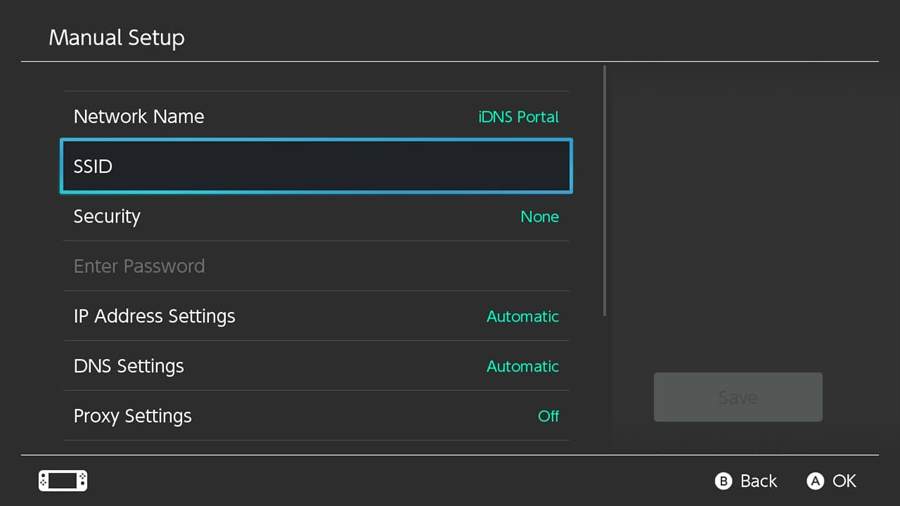
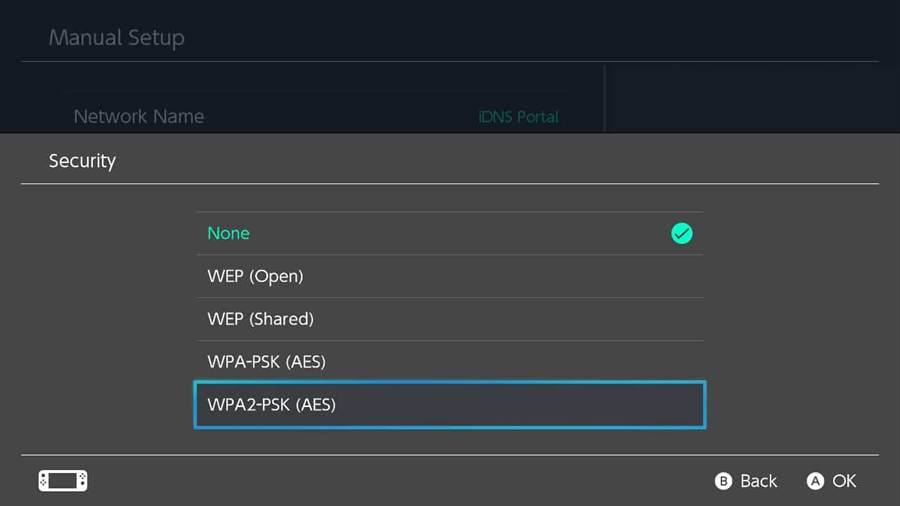
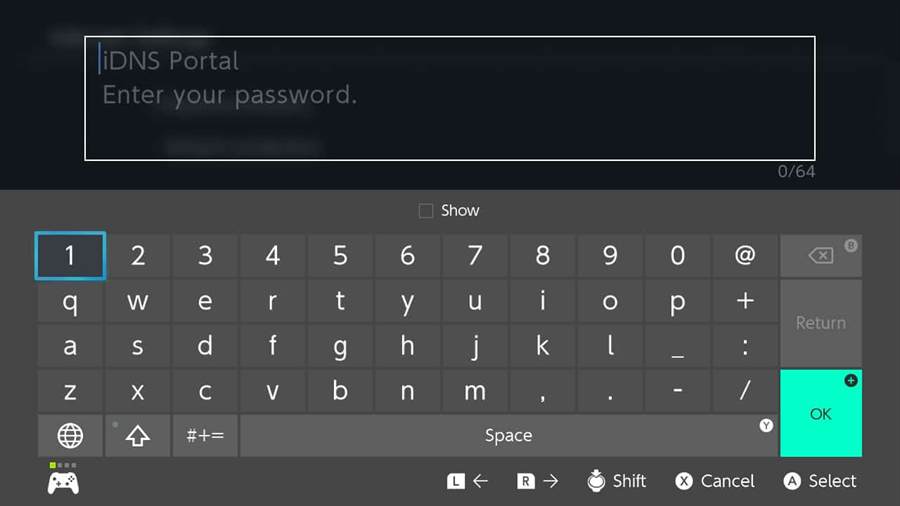
Enable Security settings and enter your local Wi-Fi Password if needed
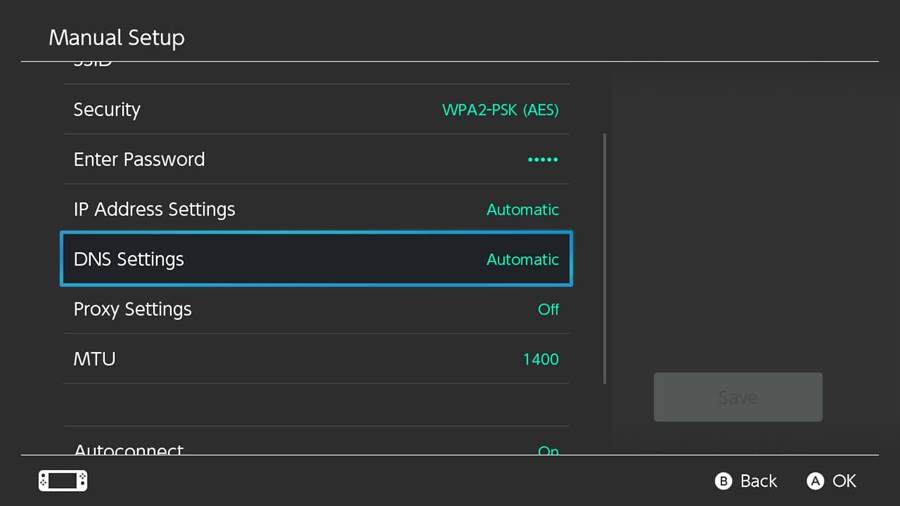
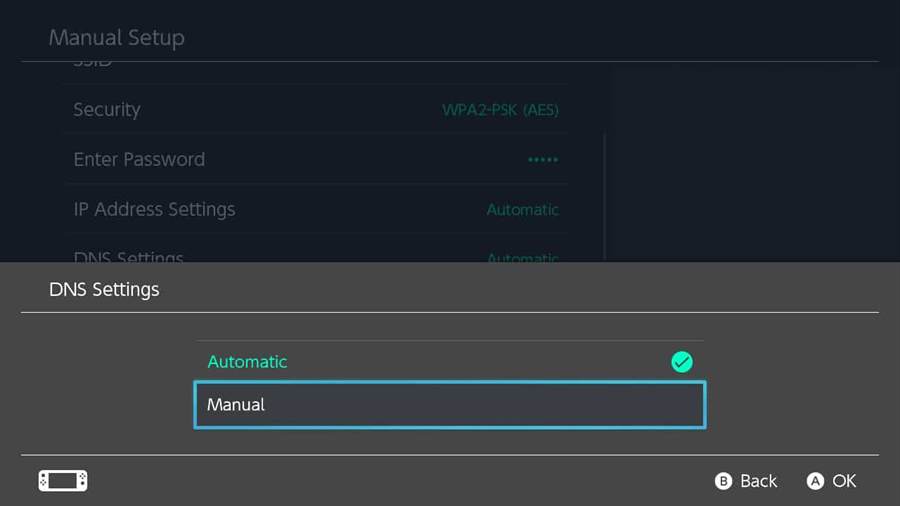
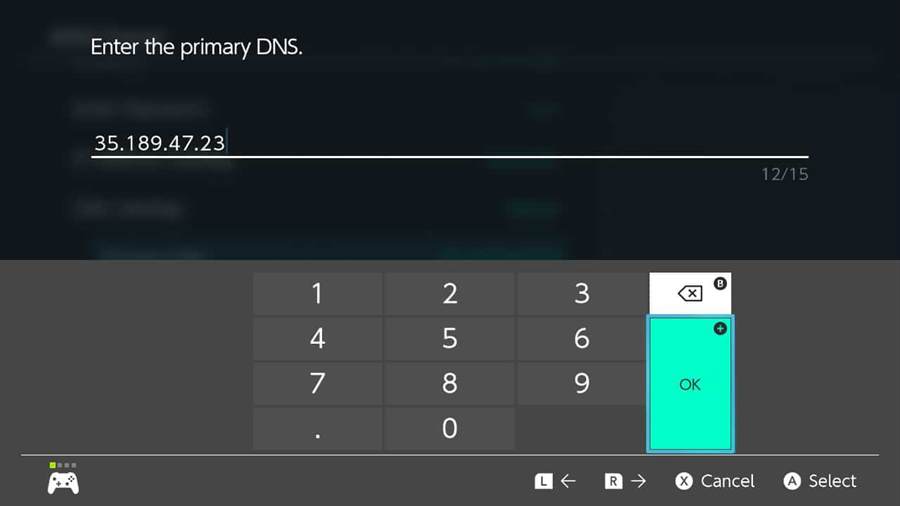
Switch the DNS settings from Automatic to Manual.
Turn off auto-connect
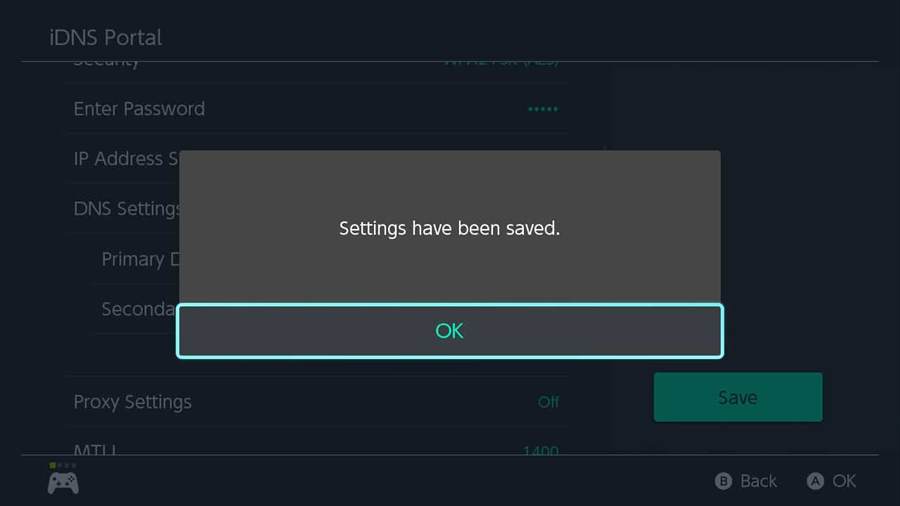
Save settings
- Step #2
